Creating a productive home office environment is essential for anyone working remotely or managing tasks from home. A well-designed workspace can help improve focus, boost motivation, and reduce stress. Whether you’re new to working from home or looking to enhance your current setup, these tips will guide you toward creating a functional and comfortable home office.
Choose the Right Location
Selecting the ideal spot for your home office is the first step toward productivity. Consider the following when choosing your space:
– Quiet and Private: Find a room or corner away from household noise and distractions. A dedicated space helps separate work life from home life.
– Natural Light: Position your desk near windows if possible. Natural light can improve mood and reduce eye strain.
– Ventilation: Ensure the area has good airflow. Fresh air supports alertness and comfort.
– Space for Equipment: Make sure there’s enough room for your desk, chair, computer, and other tools you need.
Invest in Ergonomic Furniture
Comfort matters when you spend hours working at a desk. Ergonomic furniture helps prevent strain and injury.
– Adjustable Chair: Choose a chair with good lumbar support, adjustable height, and comfortable cushioning.
– Desk Height: Your desk should allow your arms to rest comfortably at a 90-degree angle. Adjustable desks or standing desks are great options.
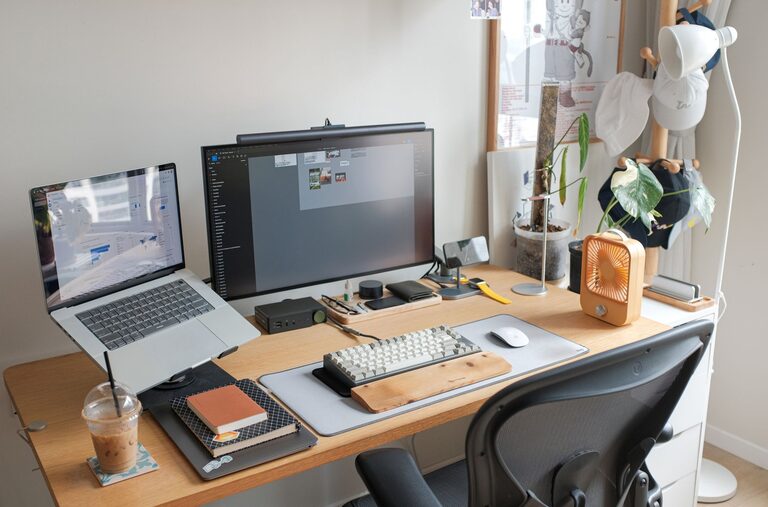
– Monitor Placement: Position your monitor at eye level to avoid neck strain.
– Accessories: Consider ergonomic keyboards and mouse devices to support wrist health.
Organize Your Workspace
Clutter can hinder focus. Keeping your workspace organized promotes efficiency and reduces stress.
– Use Storage Solutions: Shelves, filing cabinets, and desk organizers keep supplies and documents neat.
– Cable Management: Use cable ties or clips to keep wires tidy and prevent tangling.
– Minimalism: Keep only essential items on your desk to avoid distractions.
– Digital Organization: Maintain clear folders and files on your computer to find work materials easily.
Personalize Your Environment
Adding a personal touch makes your workspace inviting and inspiring.
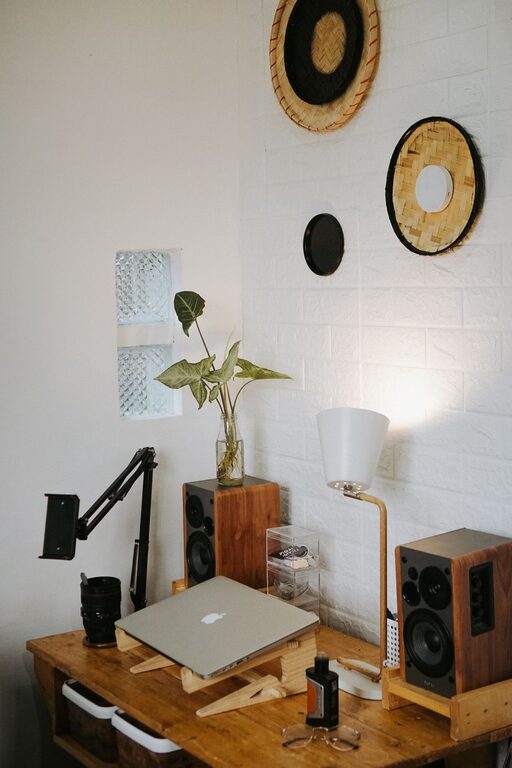
– Decorate Thoughtfully: Include artwork, plants, or photos that motivate you without overwhelming the space.
– Comfort Items: A cozy blanket or a small fan can enhance comfort.
– Scent and Sound: Use subtle scents or background music to create a pleasant atmosphere, if it helps your concentration.
Establish Clear Boundaries
Working from home can blur the line between personal and professional life. Setting boundaries helps maintain balance.
– Set Work Hours: Define clear start and end times for your workday.
– Communicate: Let family or housemates know your schedule to minimize interruptions.
– Break Areas: Designate separate zones for breaks or meals outside your workspace.
– Routine: Develop a pre-work routine to signal the start of your workday and a post-work ritual to unwind.
Optimize Lighting and Technology
Proper lighting and reliable technology are critical for productivity.
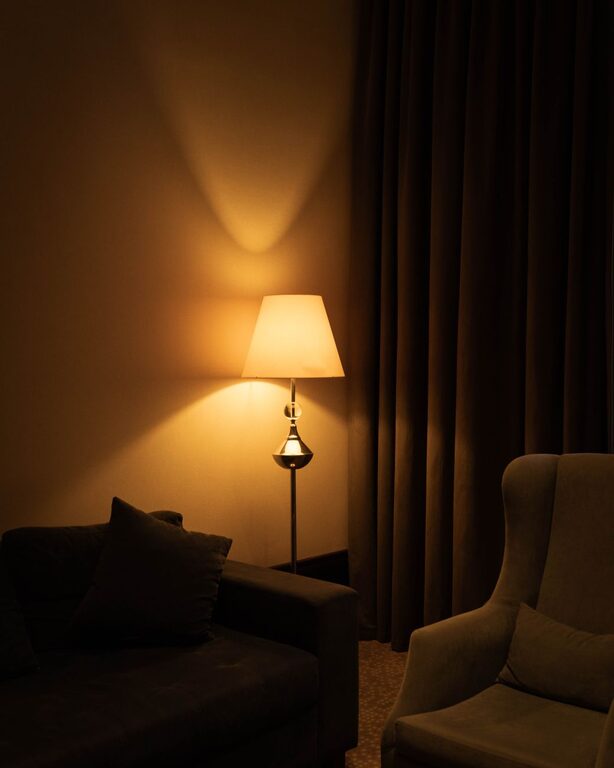
– Task Lighting: Use adjustable desk lamps to supplement overhead lighting for focused work.
– Avoid Glare: Position screens to minimize glare from windows or lights.
– Reliable Internet: Invest in a strong internet connection to avoid connectivity issues.
– Backup Plans: Keep chargers, batteries, and backup devices handy to avoid interruptions.
Take Regular Breaks
Taking breaks is important for maintaining energy and focus.
– Follow the 20-20-20 Rule: Every 20 minutes, look at something 20 feet away for 20 seconds to reduce eye strain.
– Move Around: Stand, stretch, or take short walks to boost circulation.
– Hydrate and Snack: Keep water and healthy snacks nearby to stay energized.
Keep It Clean
A clean workspace is a productive workspace.
– Daily Tidying: Spend a few minutes at the end of each day clearing your desk.
– Regular Cleaning: Dust surfaces and clean your keyboard, mouse, and screen weekly.
– Sanitize: Especially important if you share your workspace.
Use Productivity Tools
Several tools can aid in maintaining focus and managing tasks.
– Task Management Apps: Tools like Trello, Asana, or Todoist help organize your work.
– Time Tracking: Apps like Pomodoro timers promote focused work intervals.
– Note Taking: Digital notebooks like Evernote or OneNote keep ideas accessible.
—
By thoughtfully designing your home office with these tips in mind, you can foster a productive and comfortable work environment. Small changes can make a big difference in your daily experience, helping you stay motivated and efficient while working from home.

Related Posts