Creating a cozy and functional home workspace can significantly improve your productivity and well-being, especially if you spend long hours working from home. A well-designed workspace not only makes your tasks easier but also contributes to your overall comfort and motivation. In this post, we’ll explore practical tips and ideas to help you build a home office that strikes the perfect balance between comfort and efficiency.
Why a Cozy and Functional Workspace Matters
Working from home means you need a space that supports your focus while also feeling inviting enough to keep you motivated. A cluttered or uncomfortable workspace can lead to distractions, lower productivity, and even physical discomfort. By intentionally designing your workspace, you create an environment where you want to be and can work effectively.
Choose the Right Location
Selecting the ideal spot for your home office is the first step.
– Natural Light: Opt for a space near a window whenever possible. Natural light boosts mood and reduces eye strain.
– Quiet Area: Choose a location away from household noise and distractions.
– Space Considerations: Ensure you have enough room for your desk, chair, and any equipment without feeling cramped.
Invest in Comfortable, Ergonomic Furniture
Your furniture plays a major role in both comfort and productivity.
– Ergonomic Chair: Invest in a chair with good lumbar support to avoid back pain.
– Appropriate Desk Height: Your desk should allow your arms to rest comfortably at a 90-degree angle while typing.
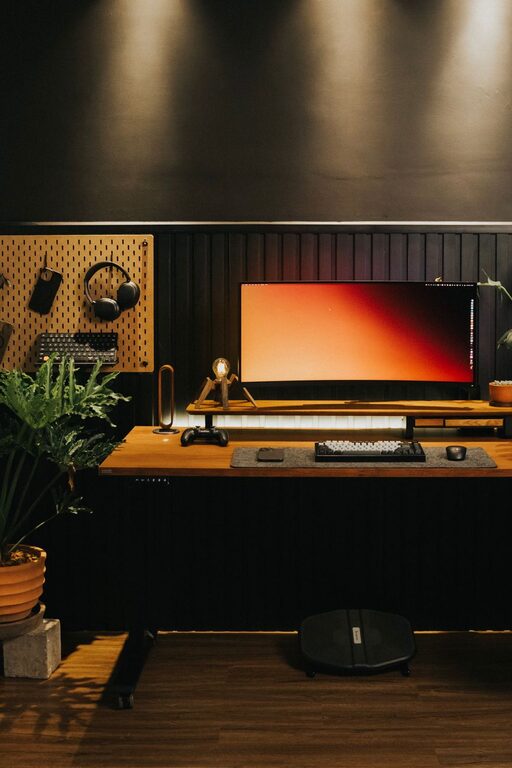
– Adjustable Options: Consider adjustable desks that allow you to switch between sitting and standing.
Organize with Purpose
Clutter can interfere with your focus, so use these organizing tips:
– Use Storage Solutions: Shelves, filing cabinets, and desk organizers keep essentials tidy.
– Keep Essentials Handy: Store frequently used items within easy reach.
– Cable Management: Use clips or sleeves to keep cords organized and out of sight.
Add Cozy Touches
To make your workspace inviting, add elements that make you feel comfortable.
– Soft Textiles: A plush rug or a cozy throw on your chair can add warmth.
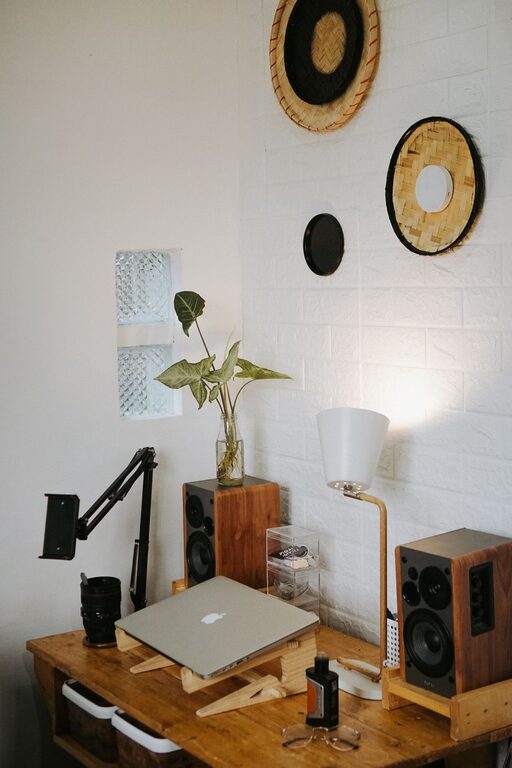
– Plants: Adding greenery can improve air quality and create a calming atmosphere.
– Personal Touches: Include photos, artwork, or objects that inspire you, but avoid over-cluttering.
Use Effective Lighting
Proper lighting reduces eye strain and helps sustain focus.
– Task Lighting: Use a desk lamp that provides focused light on your work area.
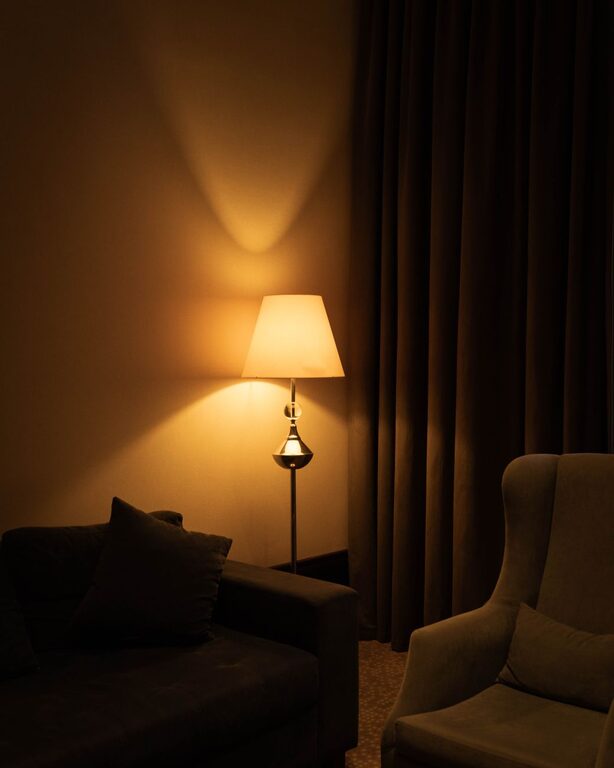
– Ambient Lighting: Combine overhead lights with softer sources to avoid harsh shadows.
– Adjustable Brightness: Lamps with dimmers let you control light levels depending on the time of day or task.
Manage Noise Levels
Sound can be a big distraction. Here’s how to manage it:
– Noise-Canceling Headphones: Great for tuning out background noise.
– Soft Furnishings: Curtains, rugs, and cushions can absorb sound.
– White Noise Machines: These can mask disruptive noises with pleasant sounds.
Keep Your Workspace Flexible
If you need to share your workspace or use it for multiple purposes, flexibility is key.
– Multi-Functional Furniture: Consider foldable desks or chairs that can be stored away when not in use.
– Mobile Storage: Rolling carts or bins make it easy to keep your workspace adaptable.
– Zone Your Space: Even in small rooms, distinguish work zones from relaxation areas.
Develop Daily Habits to Maintain Your Space
A tidy and welcoming office requires regular upkeep.
– End-of-Day Routine: Take five minutes to clear your desk and organize materials.
– Limit Food and Drinks: Avoid spills and crumbs that can damage electronics or create mess.
– Regular Cleaning: Dust and vacuum your workspace weekly to maintain air quality and cleanliness.
Final Thoughts
Designing a home workspace that is both cozy and functional doesn’t require a huge budget or a dedicated room. With thoughtful planning and attention to comfort, lighting, and organization, anyone can create a space that supports productivity while feeling like a comfortable retreat. Start small, prioritize your needs, and adjust your setup as you learn what works best for you. Your perfect work-from-home spot is just a few changes away!

Related Posts